Inventory Management BuildX
STOCK MOVEMENT SUMMARY
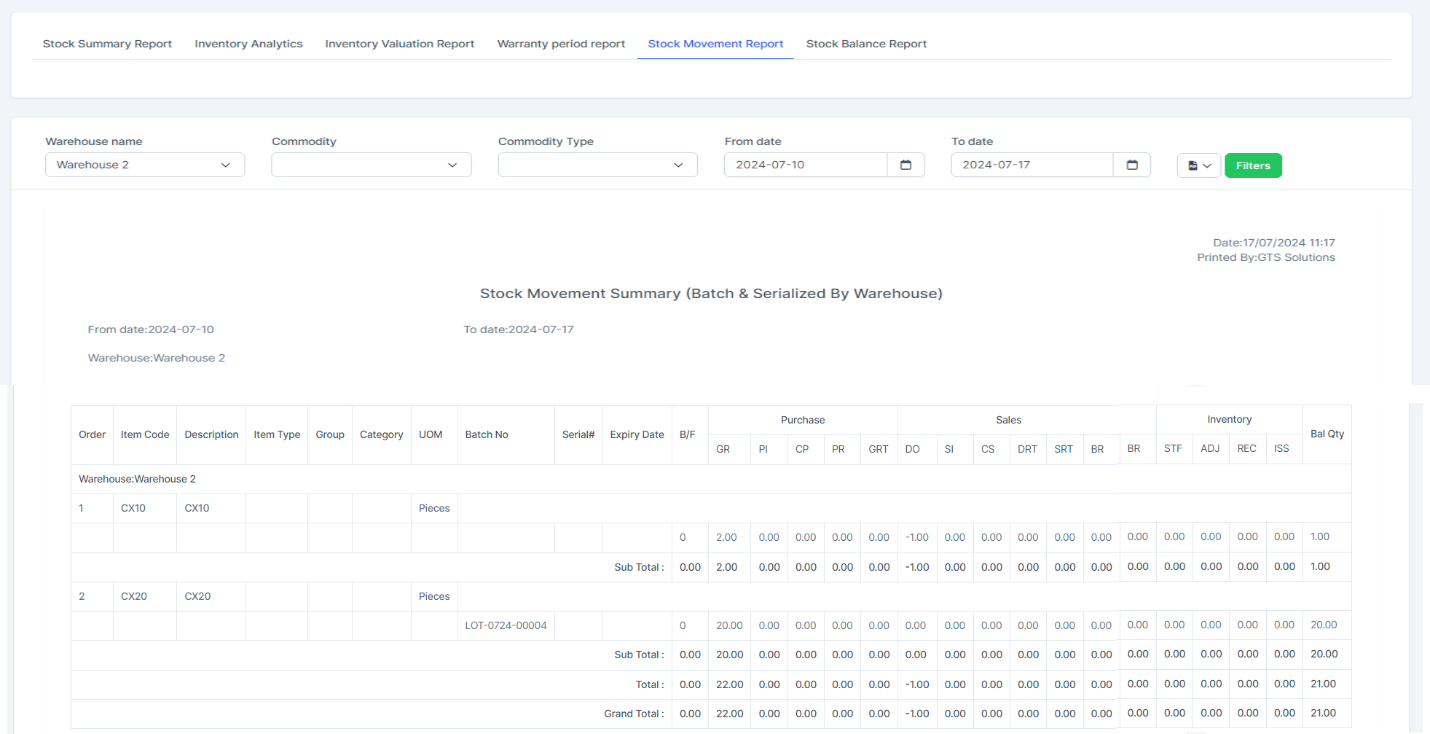
BF: Brought Forward - opening Stock
Purchase:
- GR: Good Receive - get the quantity from the Inventory Receiving Voucher
- PI: Purchase Invoice - hardcode to 0
- CP: Cash Purchase - hardcode to 0
- Purchase Return - hardcode to 0
- GRT: Goods Return - hardcode to 0
Sales:
- DO: Delivery Order - get the quantity from the Inventory Delivery Voucher
- SI: Sales Invoice - hardcode to 0
- CS: Cash Sales - hardcode to 0
- DRT: Delivery Return - hardcode to 0
- SRT: Sales Return - hardcode to 0
- BR: Unknown - hardcode to 0
Inventory:
- STF: Stock Transfer - get the quantity of the warehouse received from the Internal Delivery Voucher ( take positive value )
- ADJ: Stock Adjustment - get the quantity from the Adjustment Voucher ( take positive value )
- REC: Srock Transfer Request - get the quantity of exported warehouse from the Internal Delivery Voucher ( take negative value )
- ISS: Stock Issue - get the quantity from the Loss Voucher( take negative value )
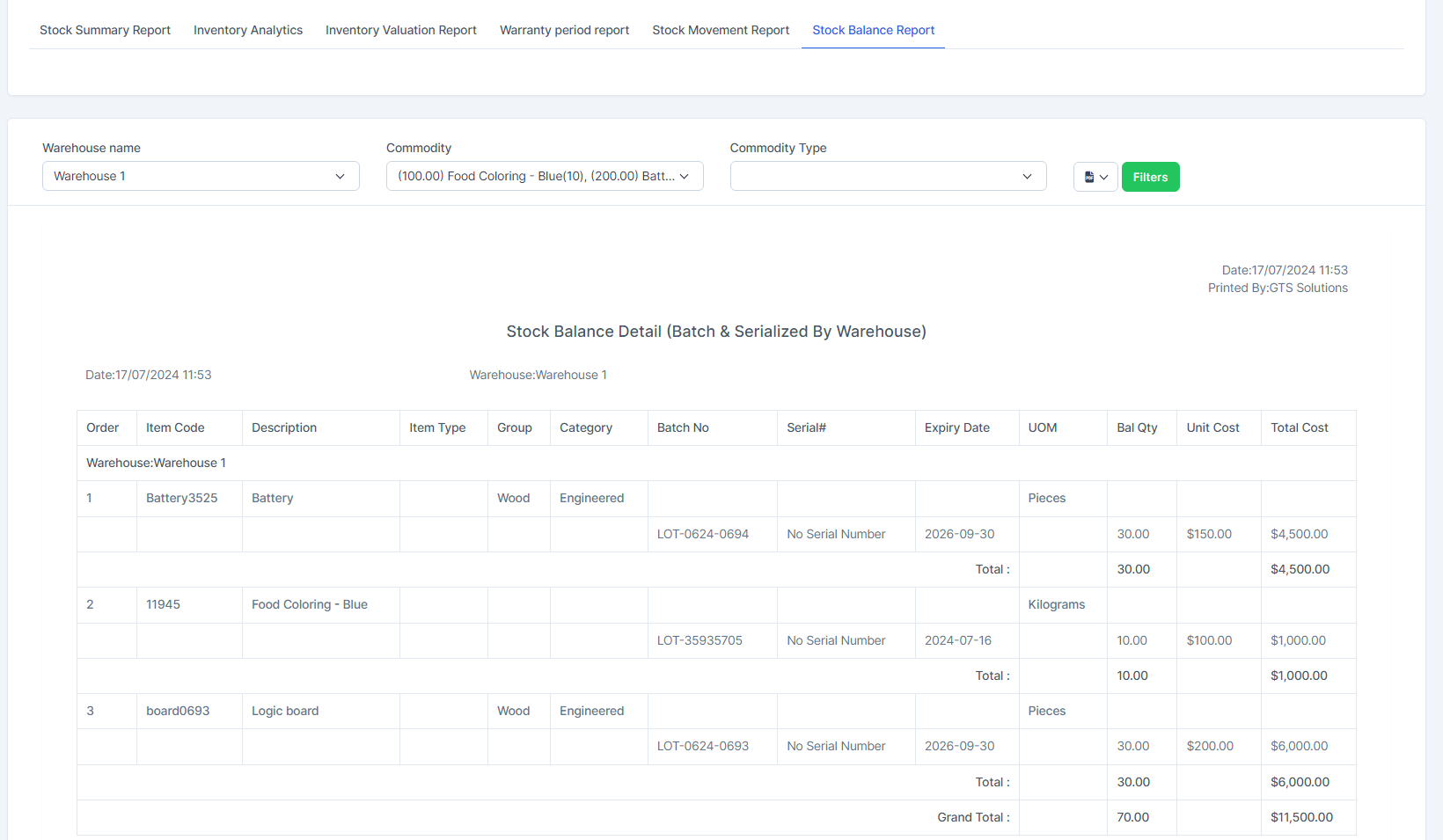
STOCK BALANCE REPORT